
Introduction
Provider Production Insurance Report:
- Is Only displayed for Procedure Ledger type clinics.
- Displays procedures (of all statuses: Planned, In Progress, and completed) that have insurance part within the selected date range.
- Data displayed in report are for all clinics’ branches. And user has ability to display data of a specific branch.
(Provider Production Insurance) report could be accessed from:
- Analytics >> Financials >> Provider Production Insurance.
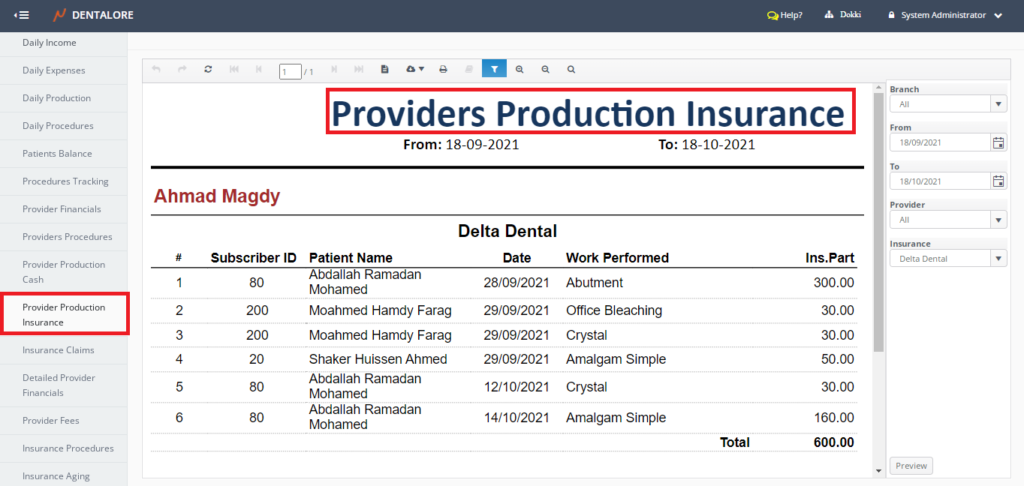
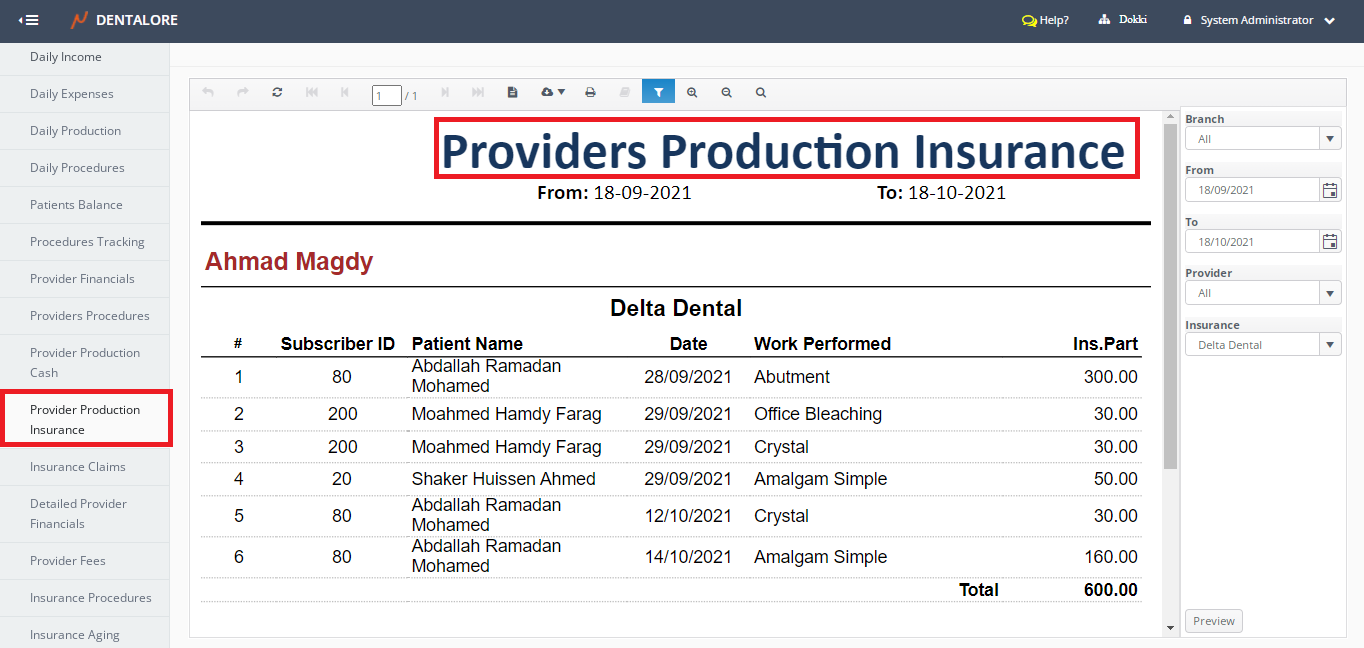
Filtration
- Branch
- Is a drop down menu that contains all of the defined branches in your clinic with default selection: All. - Date Range
- (From) and (To) fields enables user to select the required date range.
- Date filtration depends on Actual Payment Date.
- Default Selection: Last Month starting from today.
Note: The number of days between 'From' date and 'To' date can NOT exceed 31 Days.
- Provider Name
- Is a drop down menu that contains all of the active providers assigned to the selected branch from navigation bar.
- Default Selection: - Insurance
- Is a drop down menu that contains all of the defined active insurance companies in the clinic.
- Default Selection: First Insurance Company’s name in menu.
Content
Provider Production Insurance displays the following data for each provider:
- Label (Provider)
- Displays the name of each provider who makes income from the insurance company within the selected date range for the selected branch of clinic. - Name of Insurance Company is displayed for each provider in different sections.
- #
- Displays serial number for the listed records in the grid view. - Subscriber ID
- Displays the insurance subscriber ID of patient. - Patient Name
- Date
- Displays the date when the procedure has been created. - Work Performed
- Displays the name of procedures performed to the patients. - Ins. Part
- Displays the total amount of insurance portion for every procedure.
- (Total) amount is displayed at the end of (Ins. Part) column for each provider.