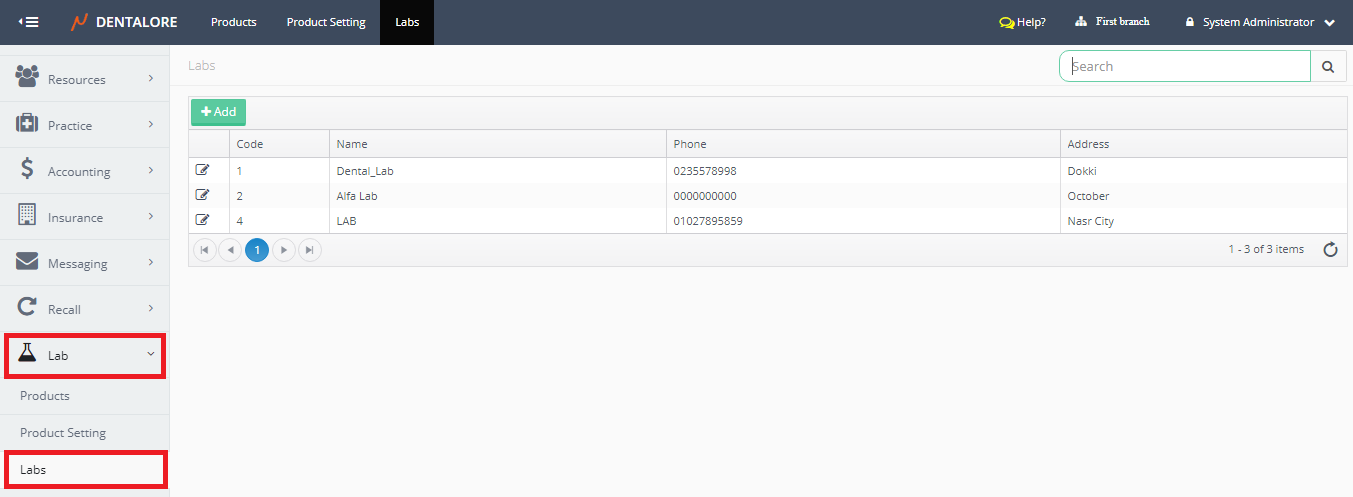
Lab Module is the place where you could manage the adding, editing & deleting settings of any action belongs to the lab; products, products settings and labs that you deal with them.
Labs Main Page
- Press on your name at the upper right side, & select “Settings”.

- Expand “Lab” Menu and select “Labs”.
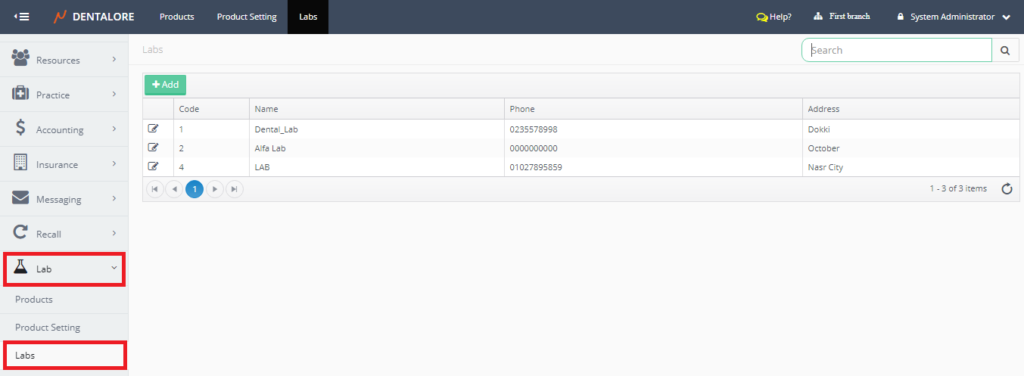
- “Labs” main page displays all of the Labs defined in the selected branch from navigation bar in a grid view with an “Add” button to configure new labs. For more information, Check: Configure New Lab.
- Grid View displays the following columns:
– Actions Column: Contains only 1 “View” icon that enables user to update in the existing labs.
– Name: Is the Name of Lab.
– Phone
– Address - As well user could search for a specific lab from the (Search Box) at the upper right side of the “Labs” page.
– User could search using: Lab’s Name.