
General Display settings
- Press your name at the top right corner and Select "Settings".

- Expand Practice Menu and select “General”.
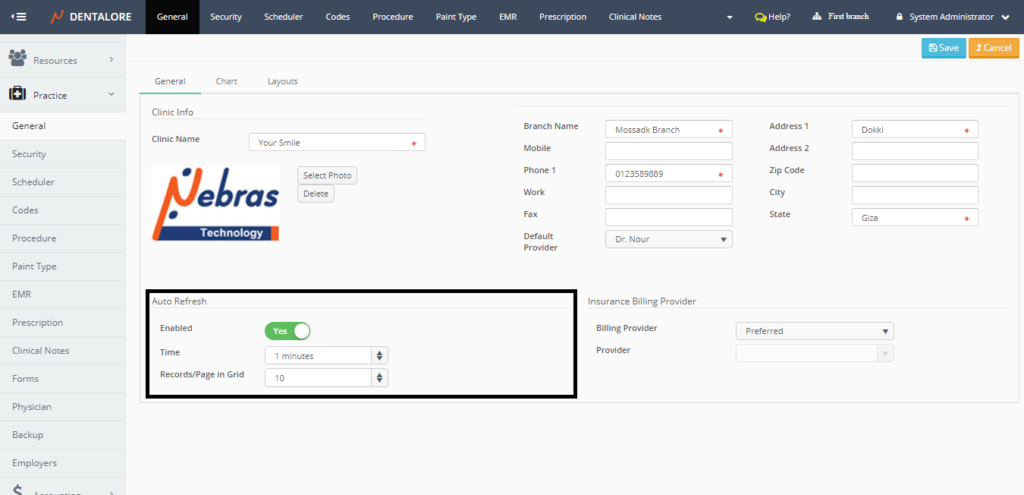

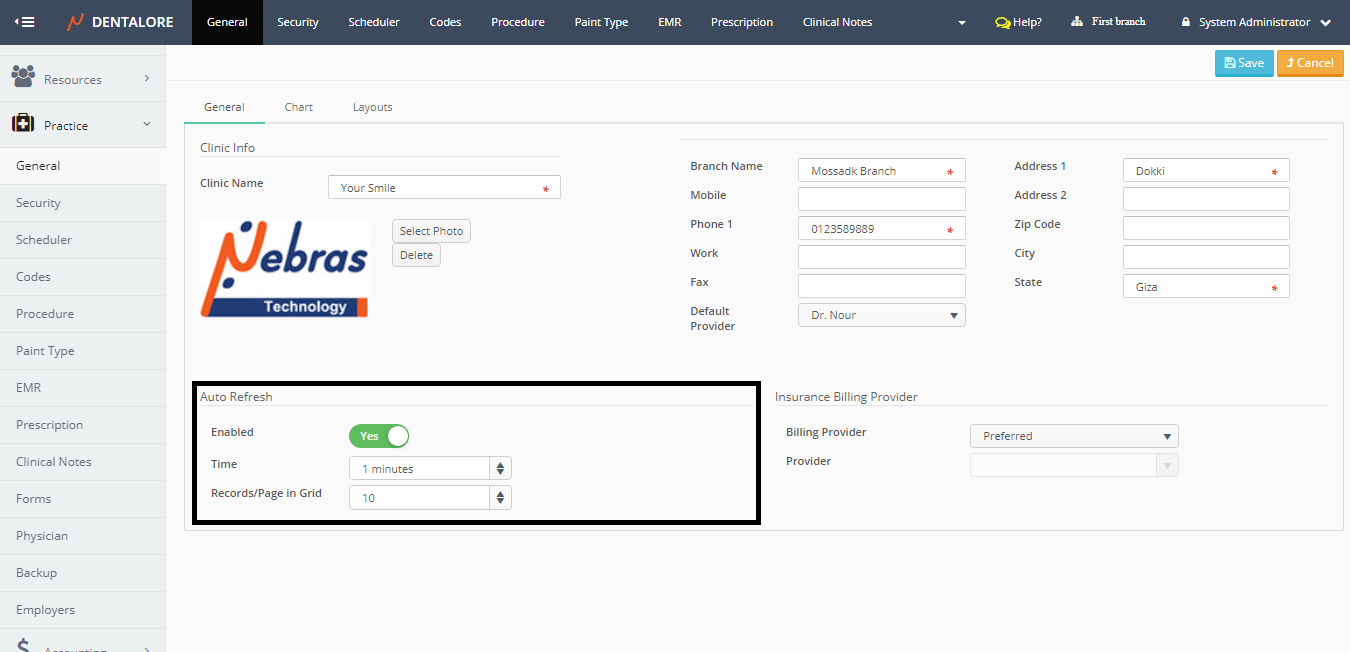
1) Auto Refresh
This function let system automatically refresh the "Home" page to be always updated and user has ability to set the period of time that the system will refresh itself by it from the following fields:
- Enabled
- Is a switch button, that's enabled (Switch button is (Yes)) by default which means that the "Home" page will be automatically be refreshed by the selected time.
- If Switch button is (No) then the user needs to manually refresh the "Home" page. - Time
- Is a numeric box that allows user to set required time for auto-refresh.
- Default setting is: 1 Minute.
2) Records/Page in Grid
This function enables user to select the number of records that is displayed per all grid views in DentaLore system.
- Default Selection is: 10 records per page in grid view.
- User has ability to select from 5 to 50 records/page in grid view.