
Introduction
Detailed Referred-In Report:
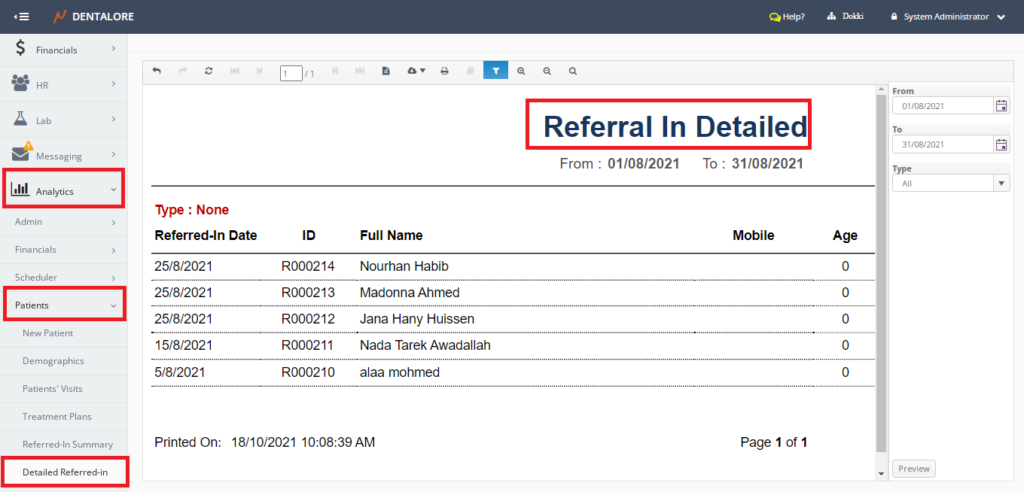
- Displays detailed information about patients according to referral in distribution over a certain period.
- Data displayed in report Per branch.
(Detailed Referred-In) report could be accessed from:
- Analytics >> Financials >> Detailed Referred-In.
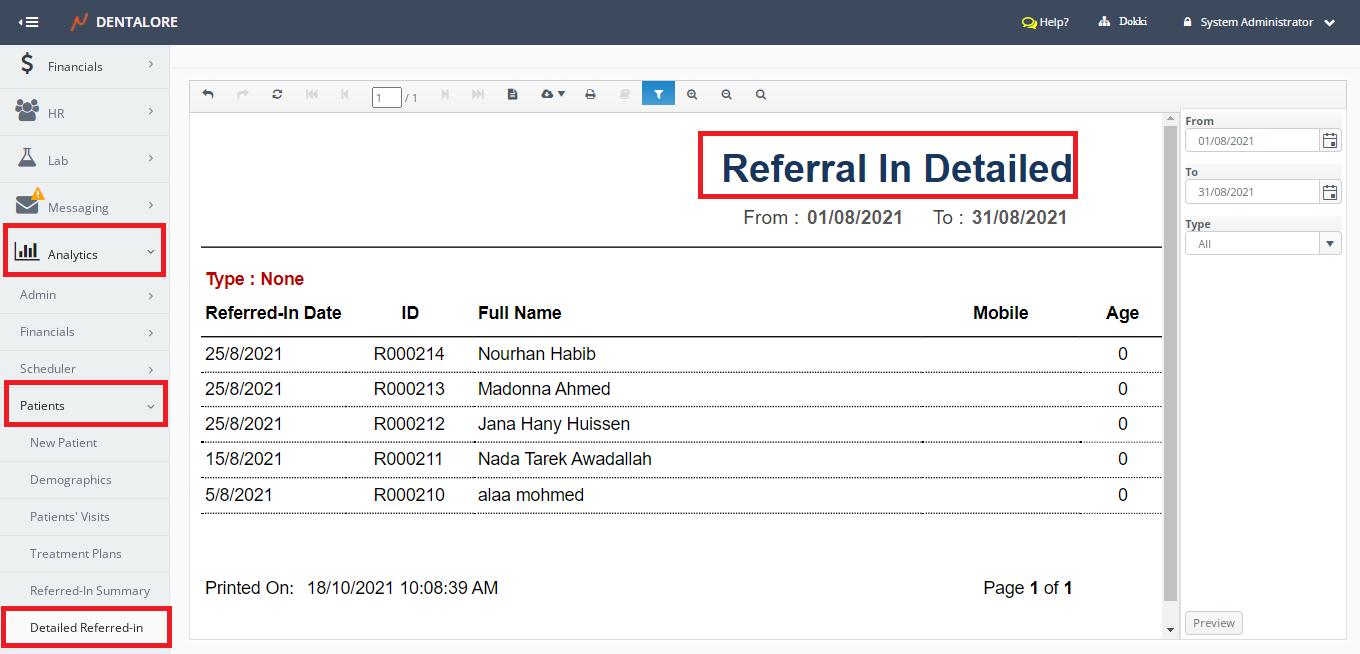
Filtration
- Date Range
- (From) and (To) fields in the filtration Area.
- Data displayed in report depending on Creation date of patient’s account.
- Default selection: Last Month, starting from today.
Note: The number of days between ‘From’ date and ‘To’ date can NOT exceed 31 Days.
- Type
- Is a drop down menu that contains the available options for Referred In which are: (None, Facebook/Twitter, Employer, Insurance Plan, Internet/Website, Physician, Poster, Radio/TV, Walk In Sign, Yellow Pages, Patients, Others).
- Default Selection: All.
- Note that the following:
1- When user selects any of the (Employer, Insurance Plan, Physician, or Patients); then a new filed “Search by Name” appears that enables user to search by specific name for any of the mentioned selections. And data displayed in report are grouped by the selection’s name.2- When user selects the referred-in type (Others) then a new column “Referral” appears in the grid view of report displaying the name of the referral.
Content
Referred In report displays patients’ data grouped by each referral type in grid view whose columns are:
- Referred-In Date
- Displays the Creation date of patient. - ID- Displays the patient's ID.
- Full Name- Displays the patient's name.
- Mobile
- Displays the patient's mobile number. - Age
- Displays the patient's age.