
Introduction
Daily Income Report:
- Displays the income from Actual Payments of patients and Insurance Companies.
- Data displayed in report Per branch.
(Daily Income) report could be accessed from:
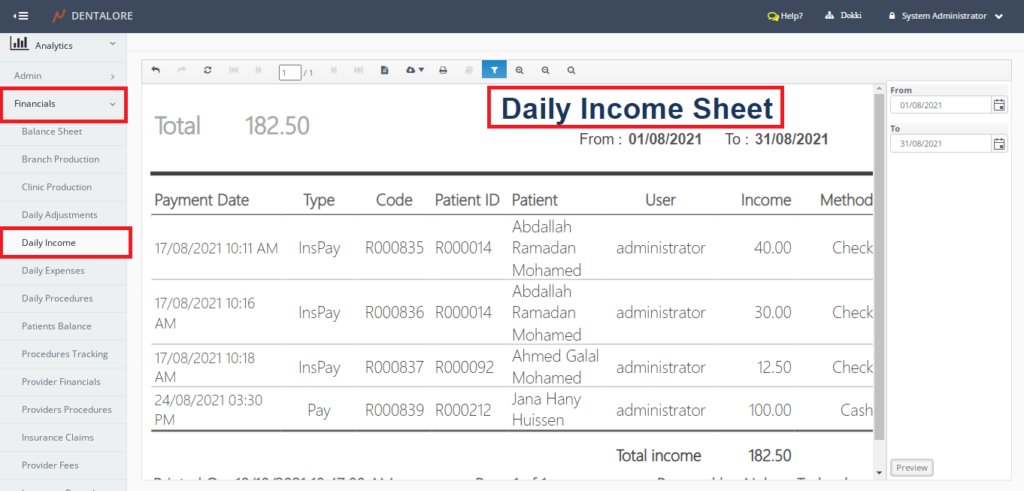
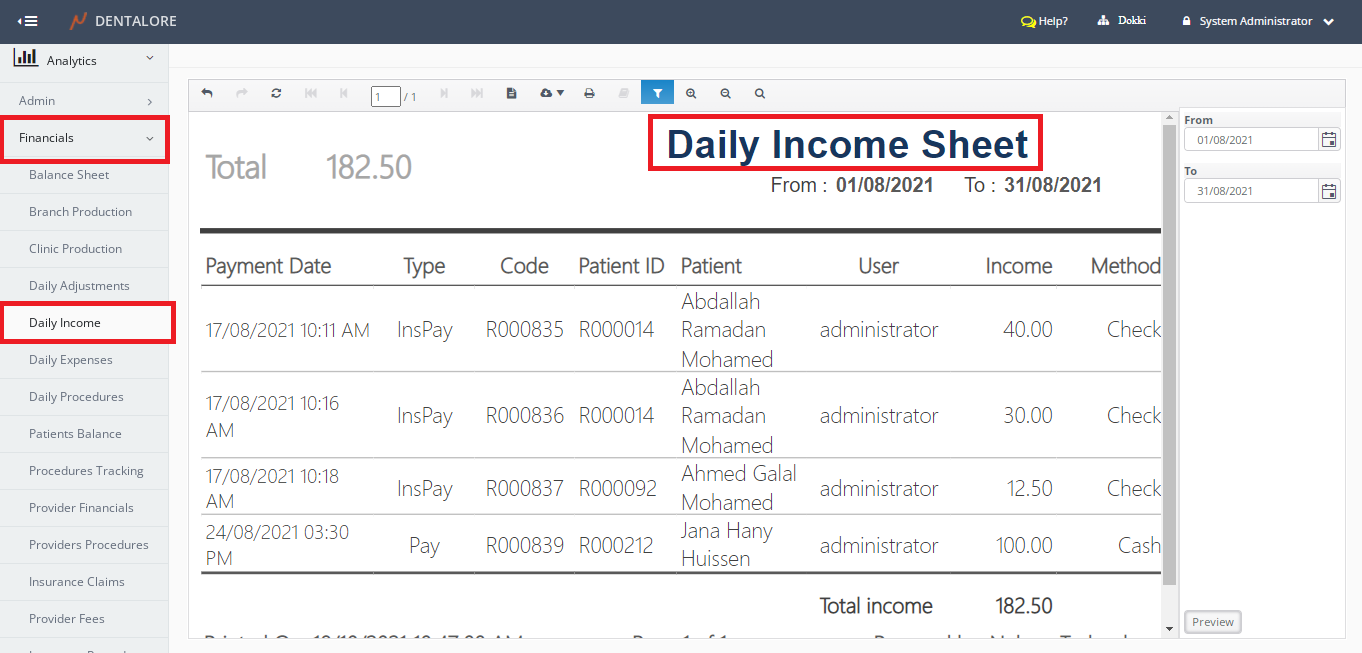
- Analytics >> Financials >> Daily Income.
Filtration
- (From) and (To) fields enables user to select the required date range.
- Date filtration depends on the Payment Transaction Date.
- Default Selection: Today’s Date.
Note: The number of days between 'From' date and 'To' date can NOT exceed 31 Days.
Content
Header
At the report’s header the following value is displayed:
– Label (Total): Displays the total amount (value) of income for the payment transactions listed in the report within the selected date range.
Body
Payment transactions data are displayed in a grid view whose columns are:
- Payment Date
- Displays the date and time when the payment transaction (Patient and/or Insurance) has been performed within the selected date range. - Type
- Displays the type of the payment (Patient Payment and Insurance Payment). - Code
- Displays the value of Receipt Number for Insurance or Patient.
Note That If The Transaction is:
- Patient Payment then it displays the code (Value) of "Receipt Number" field (This "Receipt Number" field is displayed in the 'Edit Payment' page).
- Insurance Payment then it displays the code (Value) of "Receipt Number" field (This "Receipt Number" field is displayed in the 'Edit Payment' page).
- Patient
- Displays the Patient’s name whom the payment transaction is related to him/her. - User
- Displays the User’s name who created the payment transaction. - Income
- Displays the amount of paid money.
- At the table’s footer there is label (Total) that displays the total value of all incomes in the (Income) column. - Method
- Displays the method used to pay the money that could be via: Cash, Check, or Credit Card.