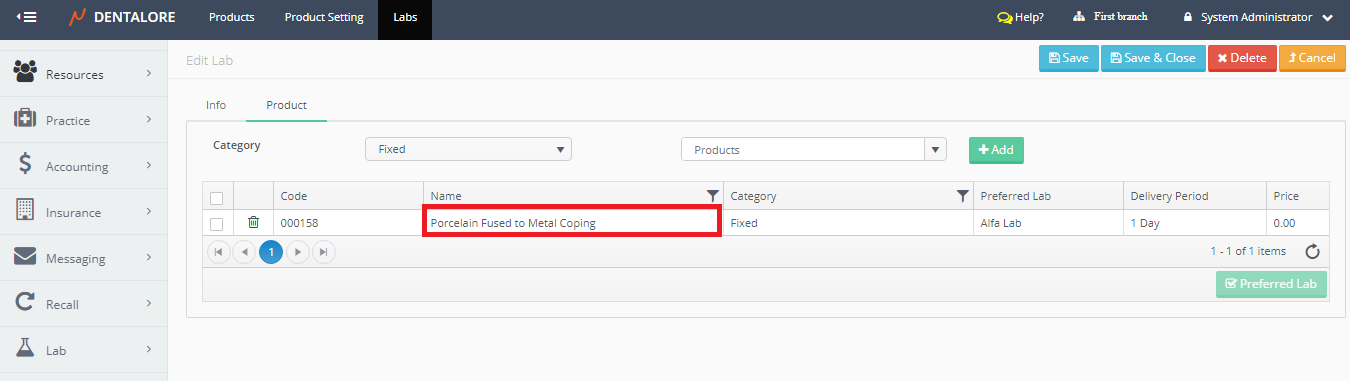
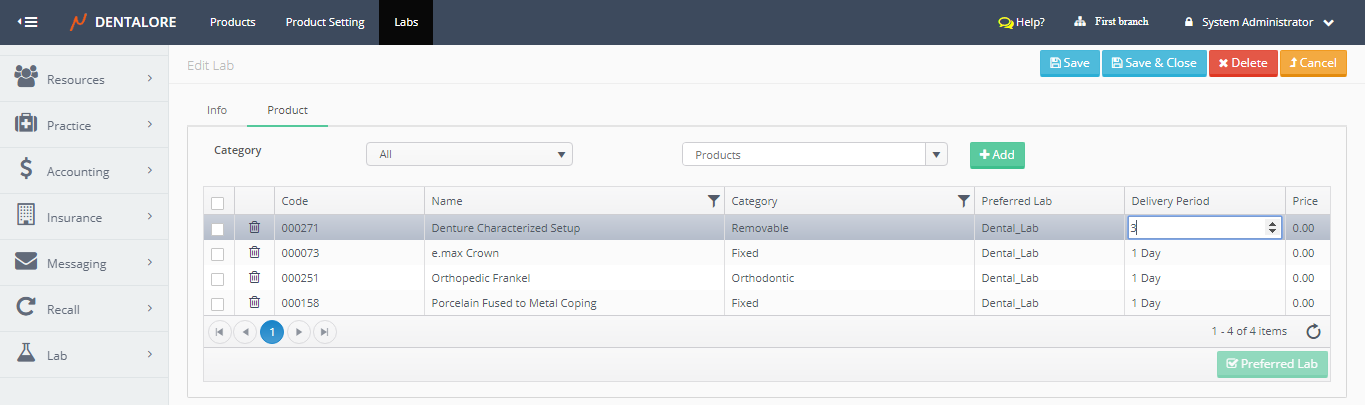
DentaLore Cloud System gives the user ability to add products to a specific lab from different views. One of these views is to add products form (Products) tab in the “Edit Lab” page.
In order to assign products to lab, follow the following:
- Press on your name at the upper right side, & select “Settings”.

- Expand “Lab” Menu and select “Labs”.
- In order to edit a specific lab, press on the “View” icon beside the required lab in “Labs’ grid view.

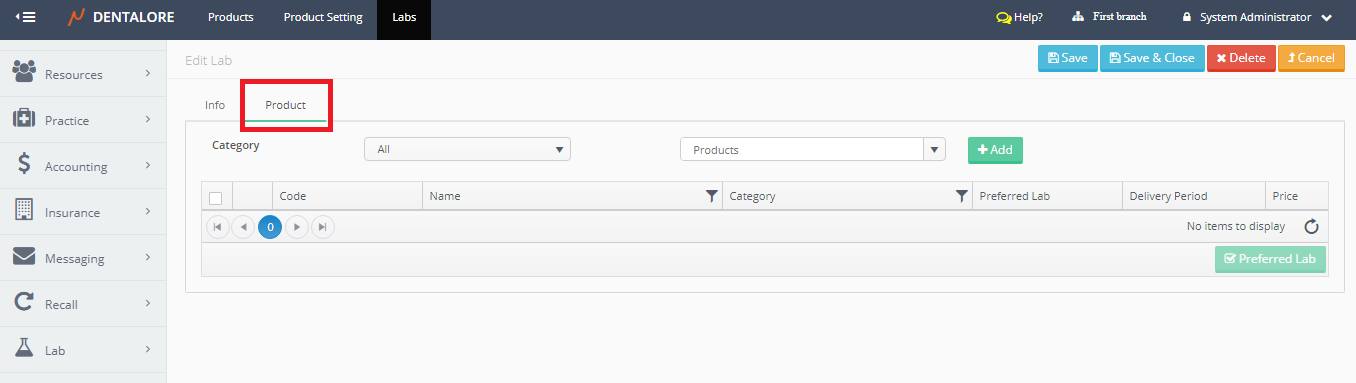
- Select (Product) tab in order to add products to the selected lab.
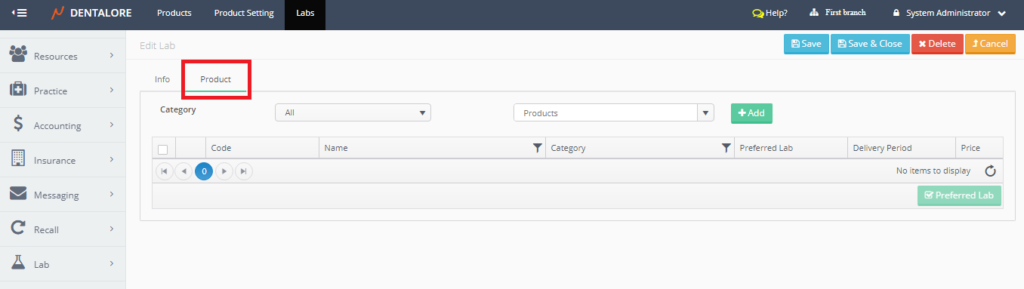
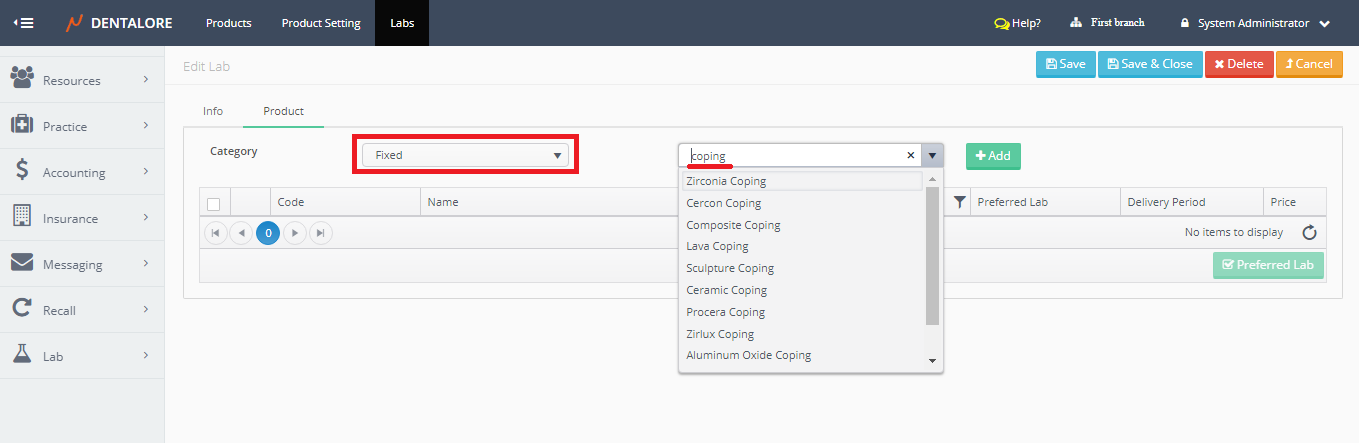
- Select Category of products and then search for the required product in the (Products) drop down menu.
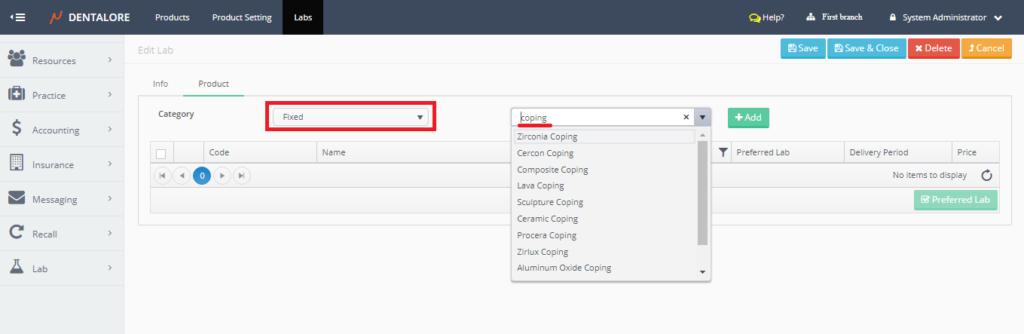
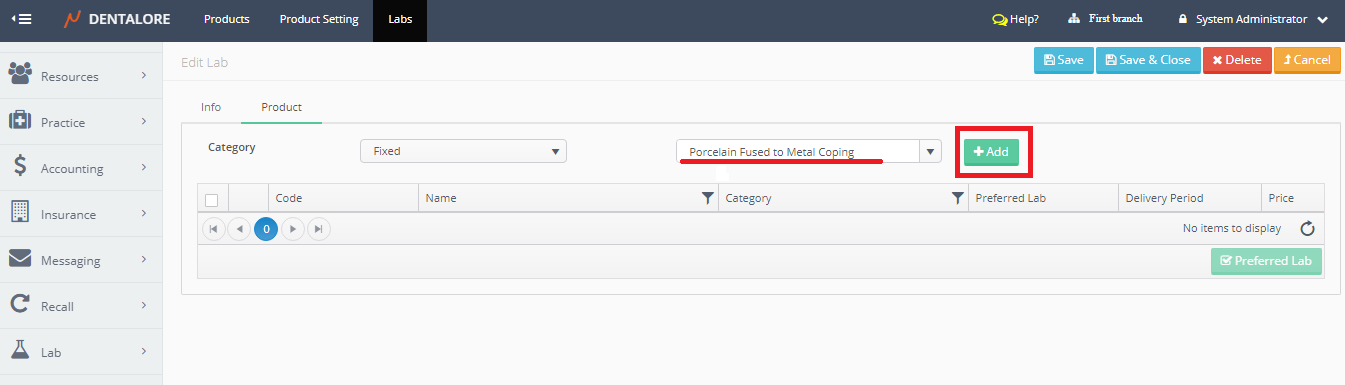
- Select required product and then Press “Add” button.
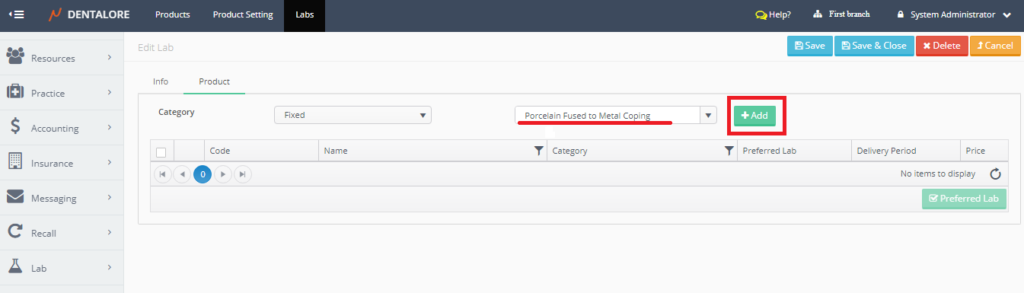
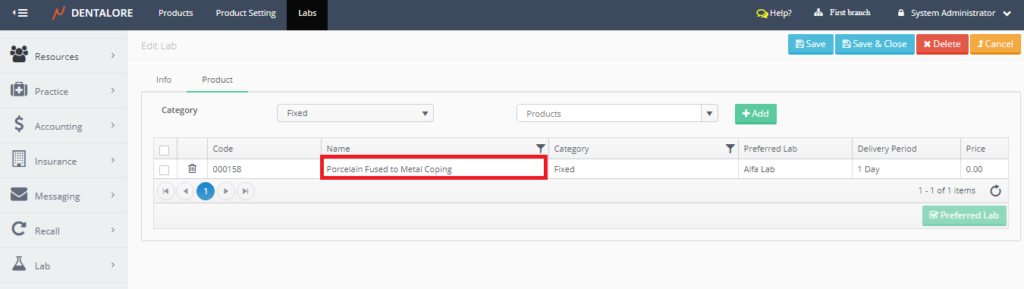
- For adding more products, repeat the above steps.
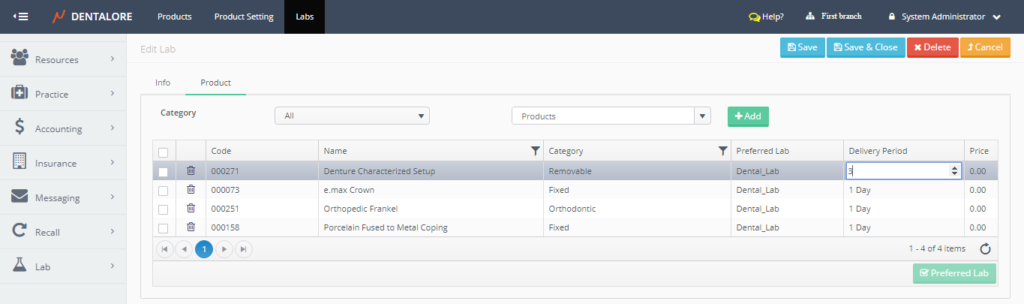
- As well you could set the selected lab to be the preferred lab for one or more of added products, by ticking the check box beside the products and then press on the “Preferred Lab” button at the footer of grid view.
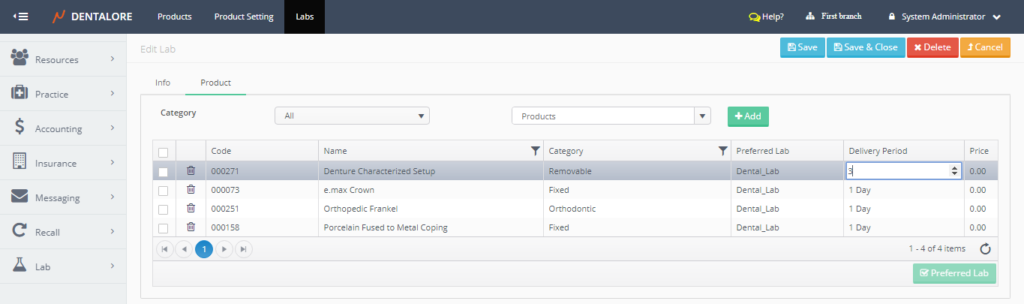
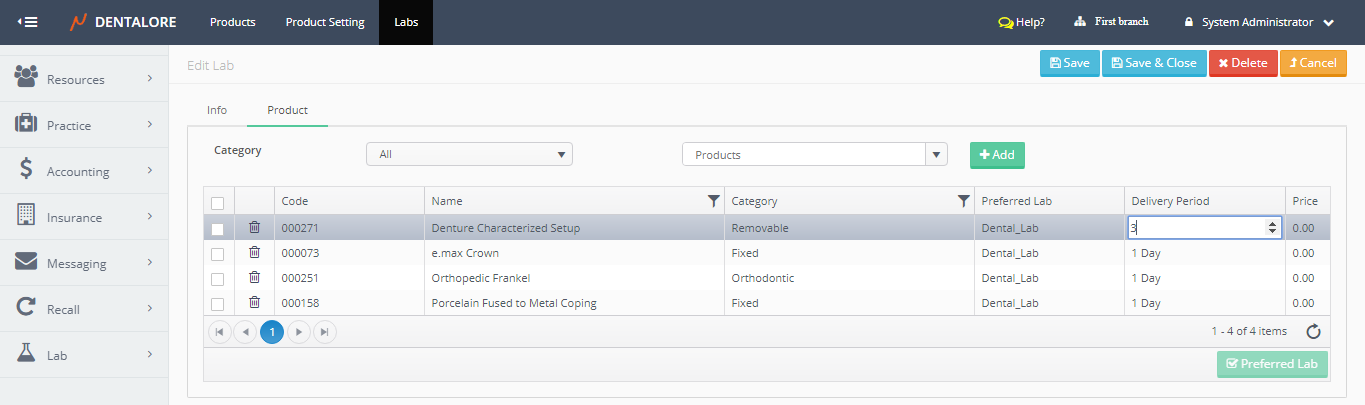
- Moreover, you could edit (change) the price and estimated delivery period for any of the products listed for the selected lab by double click it, change the value and press Save.