
EMR is abbreviation for Electronic Medical Records that is the place to define all alerts and allergies related to patients. For the “Allergies” section, there are predefined allergies by system where the user could directly select from them in the EMR for patients.
1) Add New Allergy
- Press on your name at the upper right side and select “Settings”


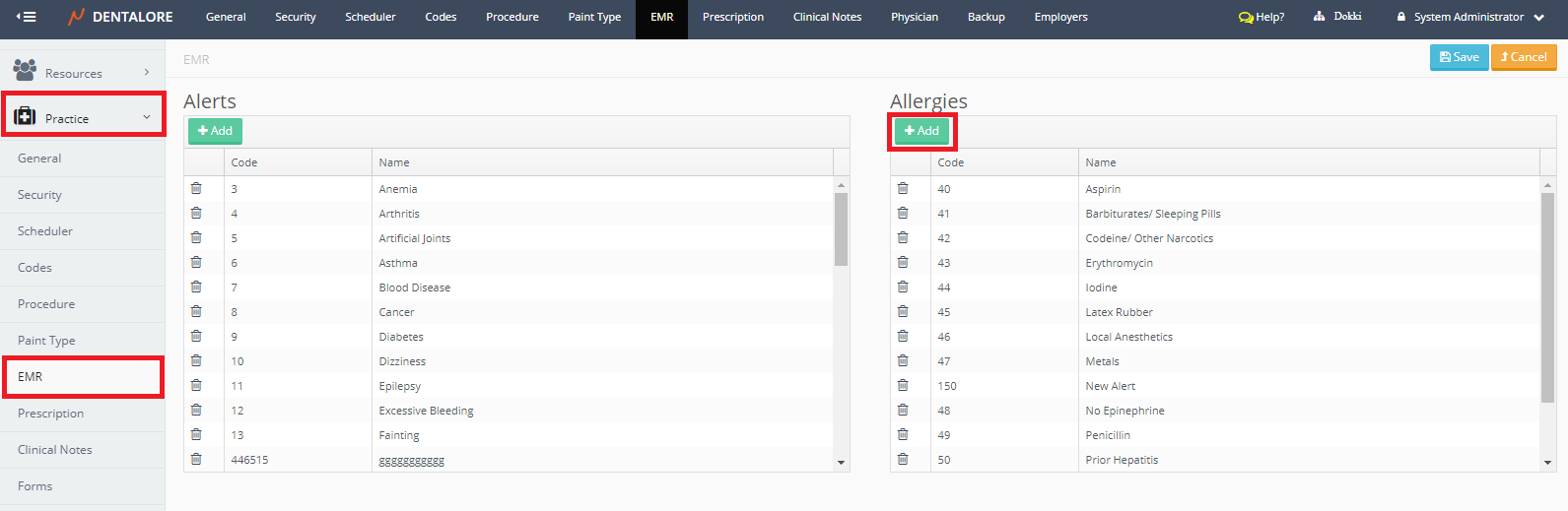
- Expand Practice Menu and select “EMR”, then press the (Add) button to add new allergy, , new field appears to type the Code and Name of Allergy.
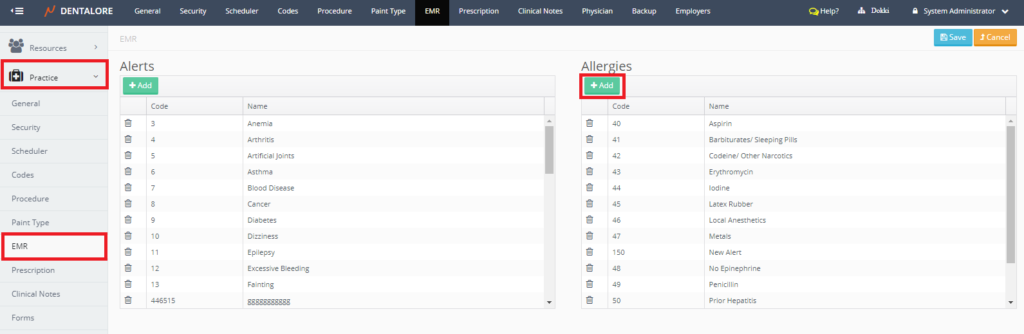
- Enter the code and name of the new Allergy and press “Save” button.
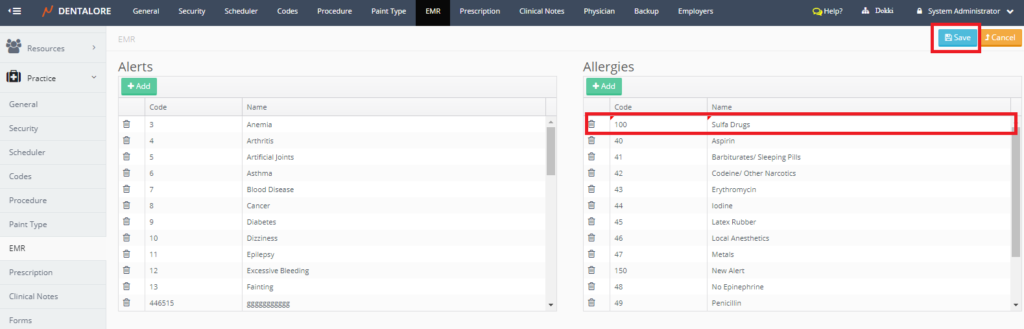
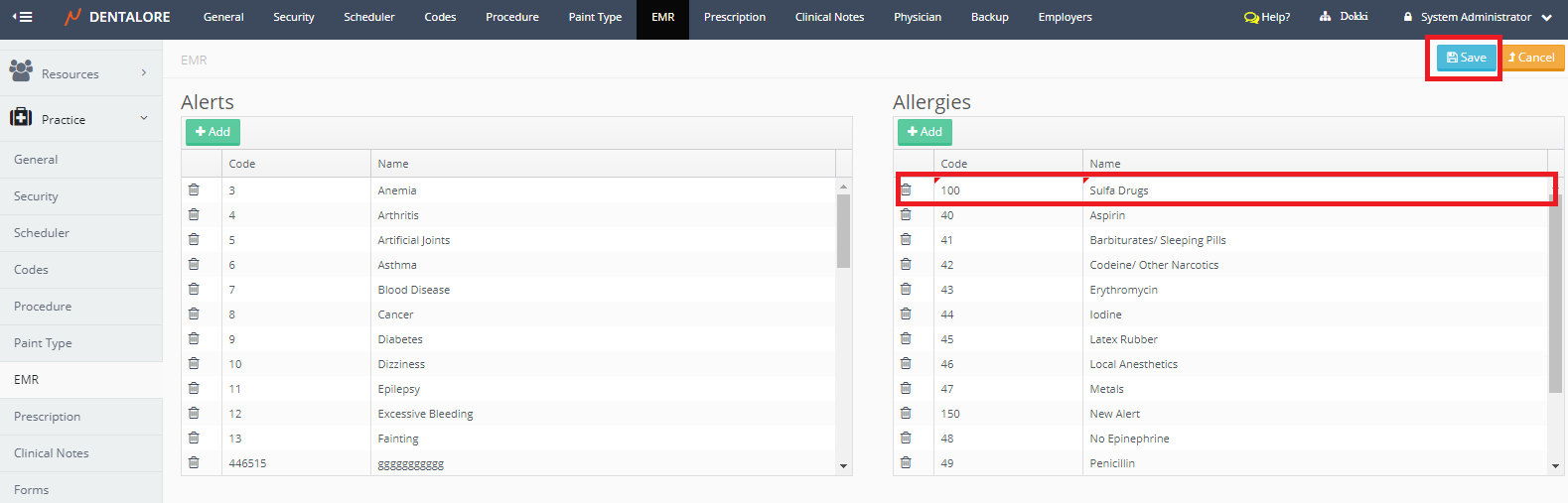
Now new allergy is successfully added.
2) Edit Allergy
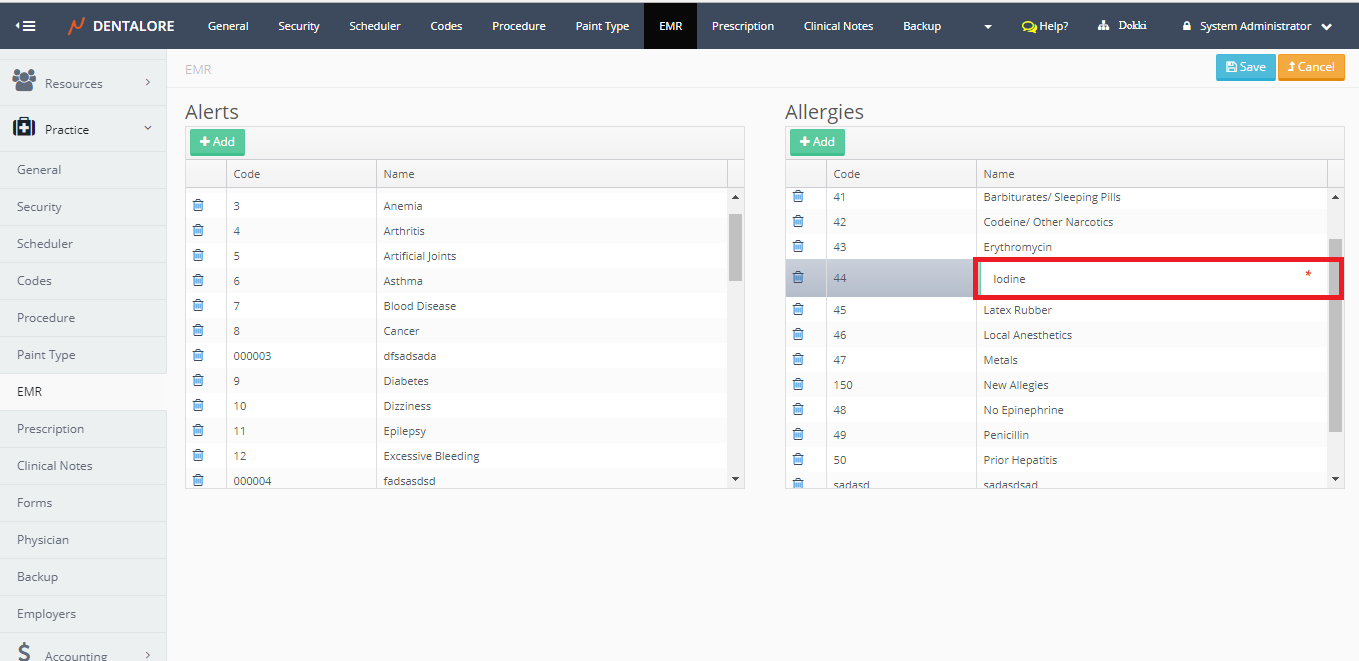
- To Edit an Allergy record, double click on the required field, field opens to be edited.
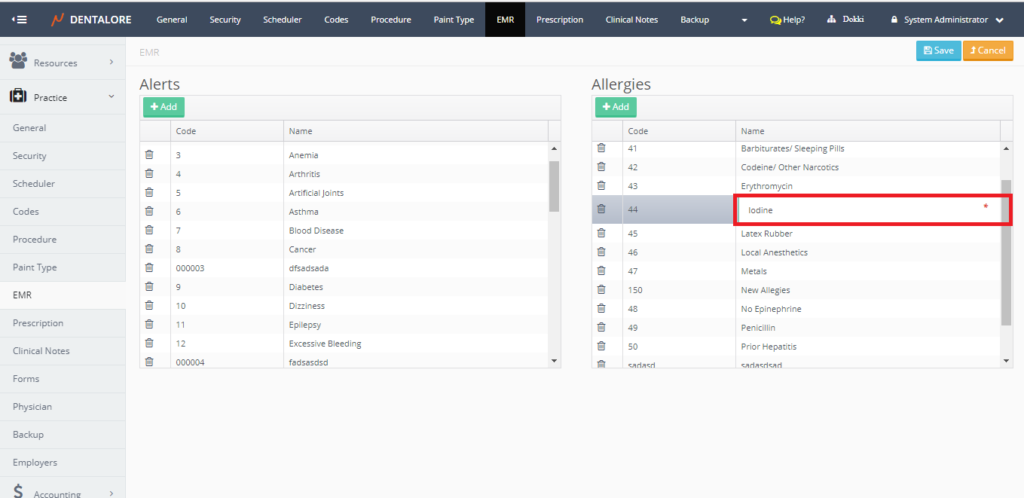
- Edit data as required, then press “Save” button.
3)Delete Allergy
- In order to delete an Allergy press the (Delete) icon beside the required alert to be deleted. Popup “Delete Item” opens.
- Press “Delete” button.

- After Pressing the “Delete” button, Allergy record will be deleted and removed from the “Allergies” grid view. If user press “Cancel” button, then record will not be deleted and still displayed in the “Allergies” grid view.
