Dentalore cloud system allows user to add the action of phone calls to and from the patients as an action on their recalls.
There 2 different ways to perform a Phone Call activity from Recall Module which are:
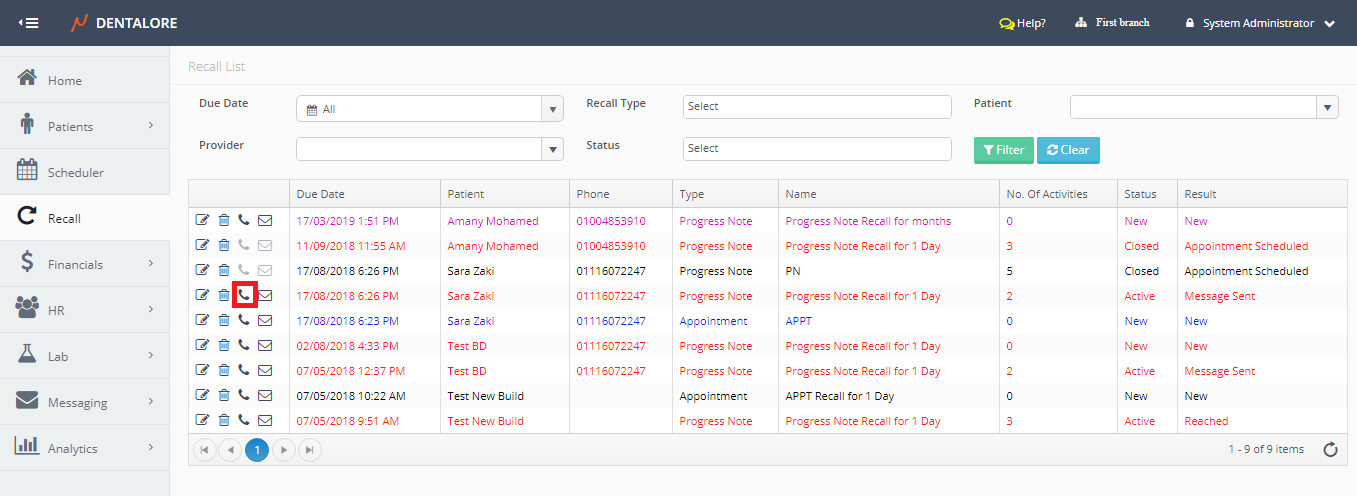
1- “Phone” icon in the Recall List View Main Page
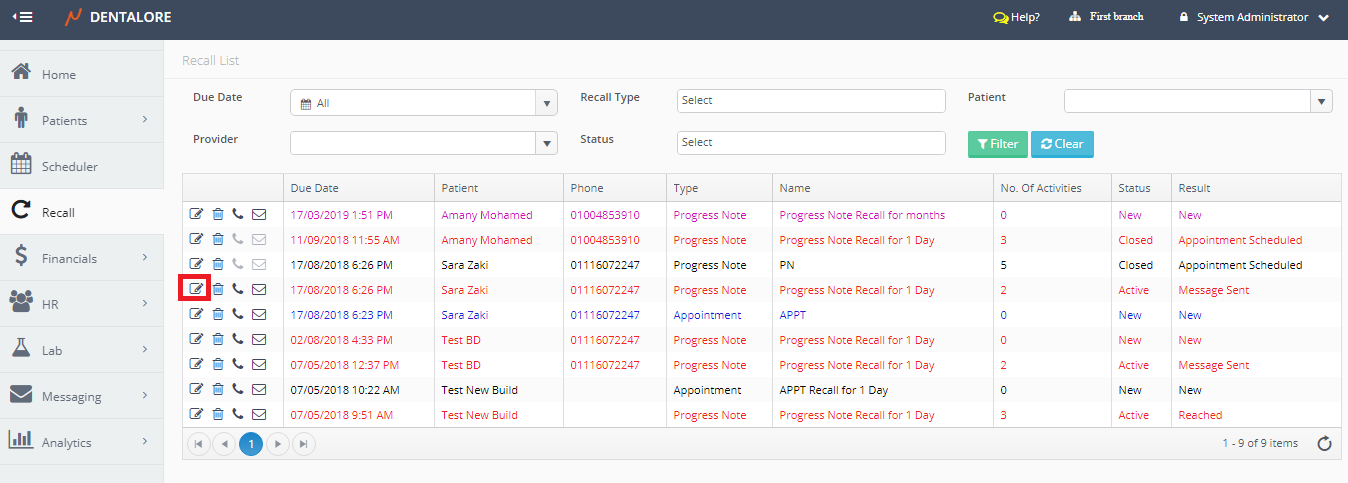
- Select Recall Module. Directly the Recall List View page opens.
- Press the “Phone” icon beside required Recall record.
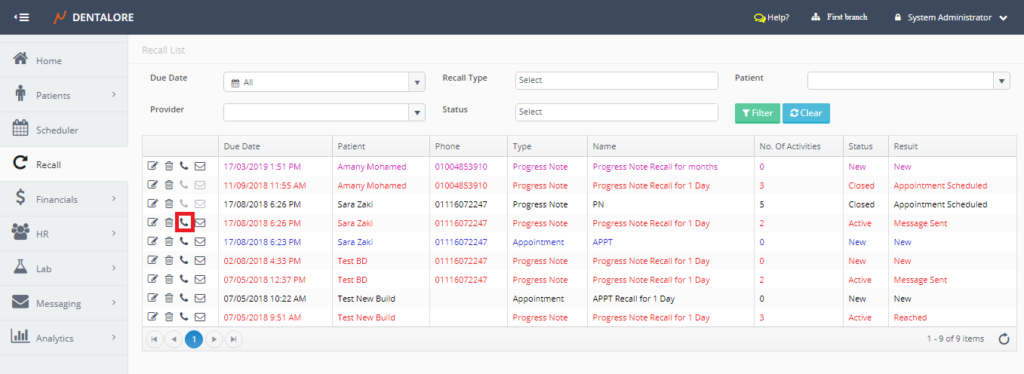
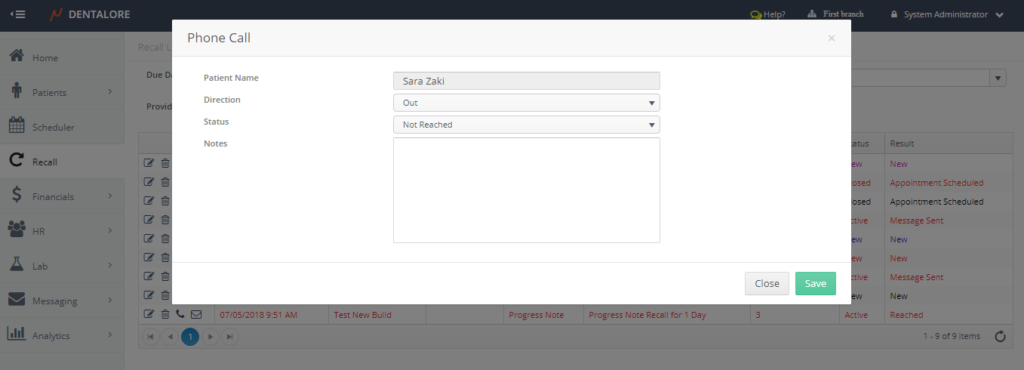
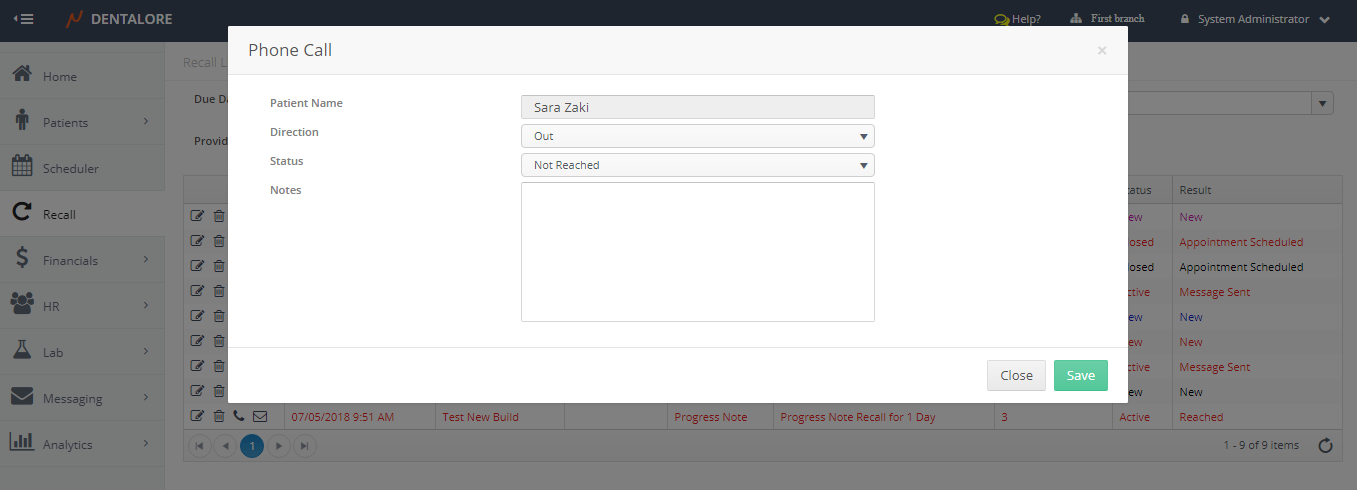
- New Popup “Phone Call” opens.
2- “Phone Call” button in the ‘Edit Recall’ page
- Select Recall Module. Directly the Recall List View page opens.
- Press the “View” icon beside required Recall record.
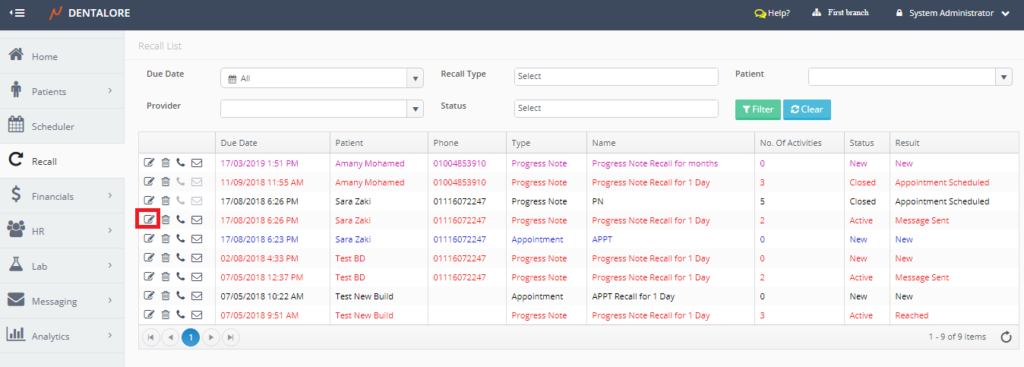
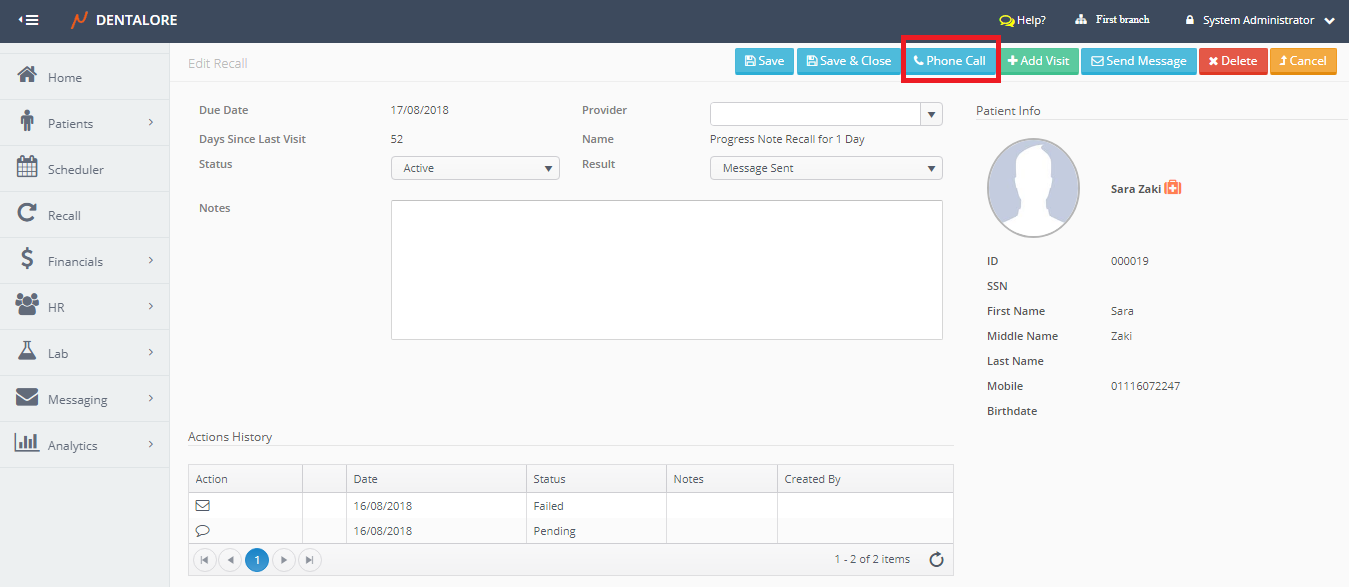
- New page “Edit Recall” opens.
- Press “Phone Call” button.
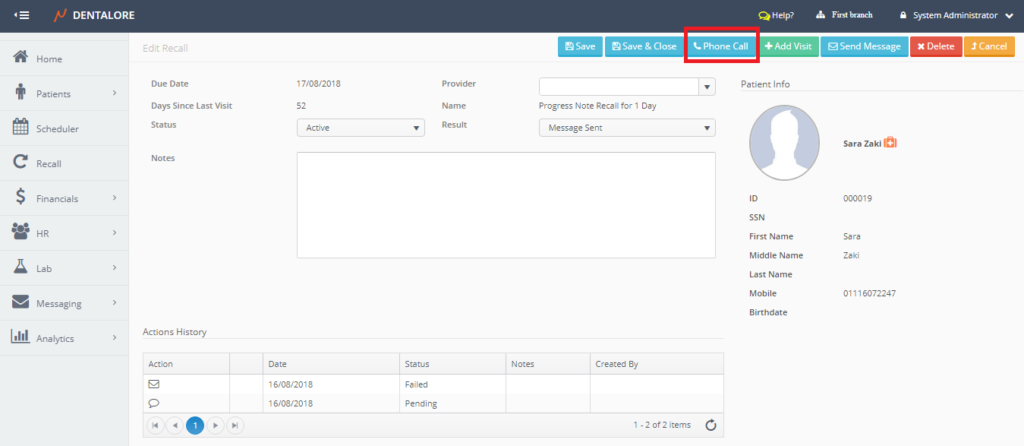
- New Popup “Phone Call” opens.
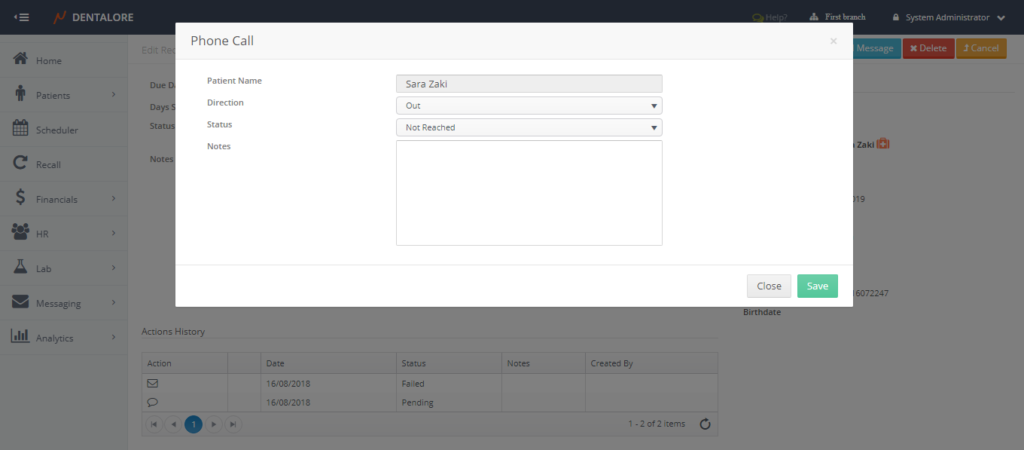
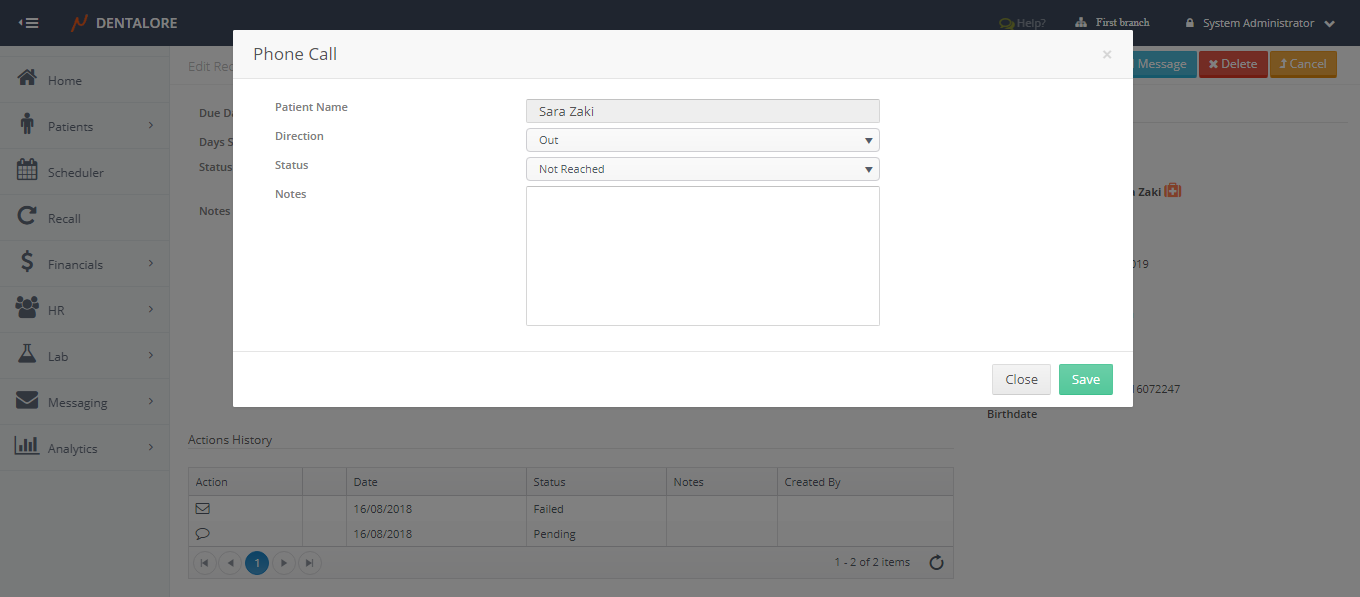
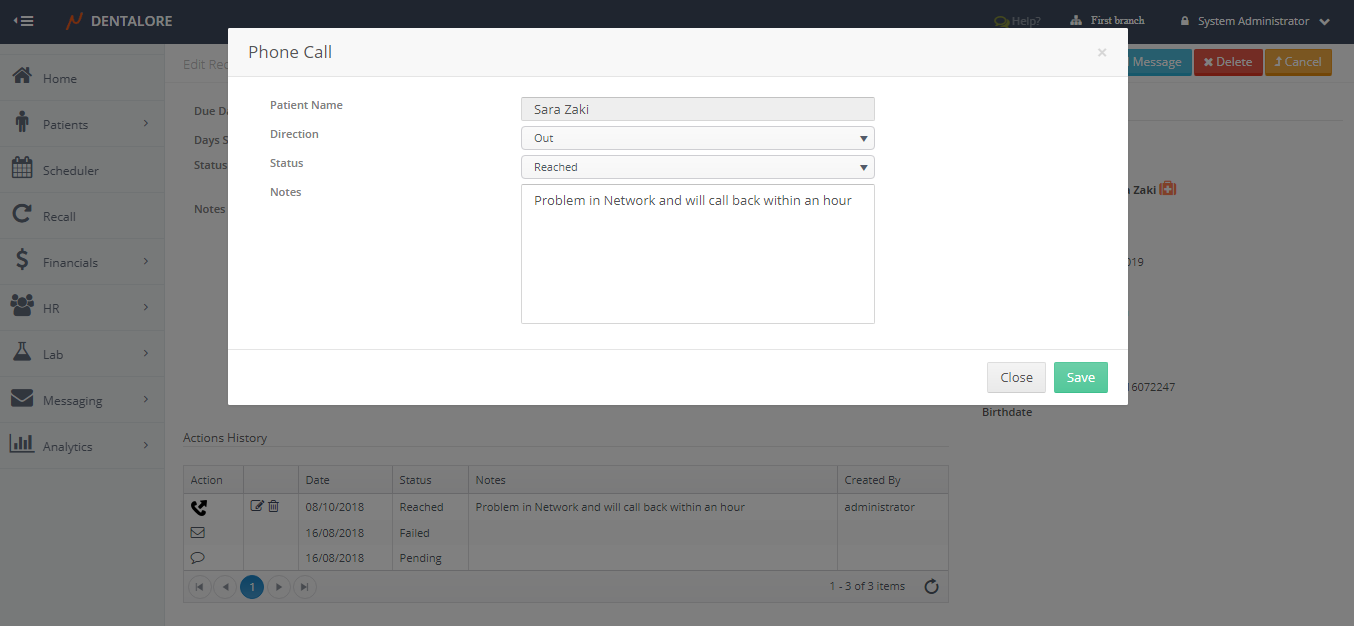
(Phone Call) Popup contains the following fields:
- Patient Name.
- Direction: Is a drop down menu that contains 2 options: (In and Out). Default selection is: Out.
– Direction is: (In) means that the patient calls the clinic.
– Direction is: (Out) means that the clinic calls the patient. - Status: Is a drop down menu for the phone call’s status that could be: (Reached or Not Reached). Default selection depends on the “Direction” selection in which:
– If Direction is: (In) then by default the status is: (Reached).
– If Direction is: (Out) then by default the status is: (Not Reached).
And user has the ability to change the status as required. - Notes: Is a text field to write required notes on the phone call action and this notes will be displayed in the (Notes) column in ‘Actions History’ table.
- “Close” button: When pressed the phone call action is cancelled and not listed in the ‘Actions History’ table.
- “Save” button: When Pressed the phone call action is saved and listed in the ‘Actions History’ table.
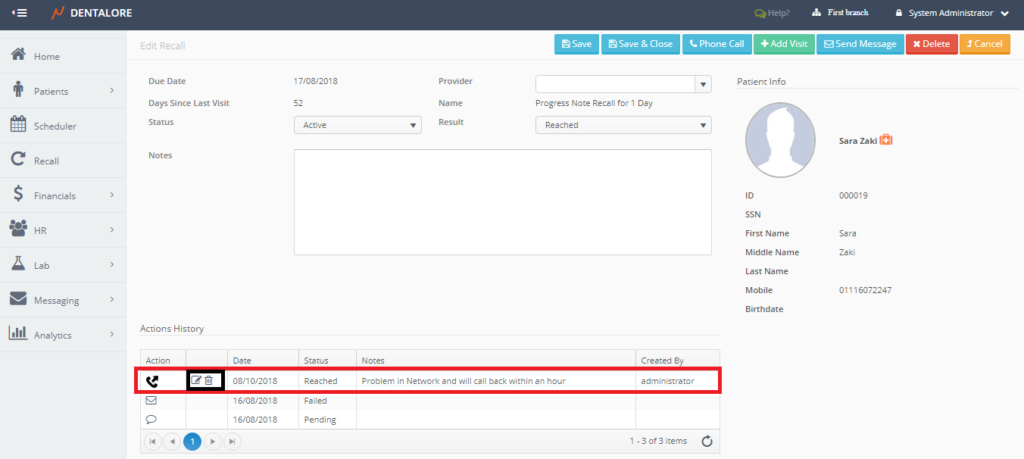
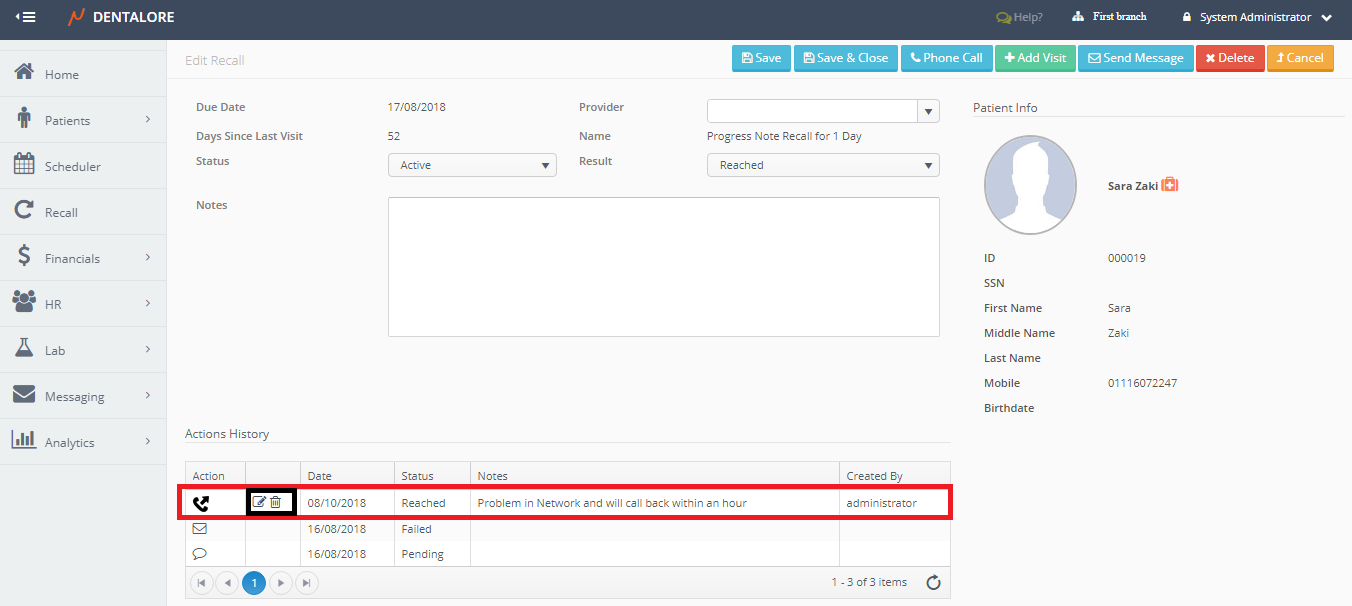
- The phone Call action listed in the ‘Actions History’ with the selected status and note written .
- Note that the “Phone Call” action is the only action that has options to edit or delete it from:
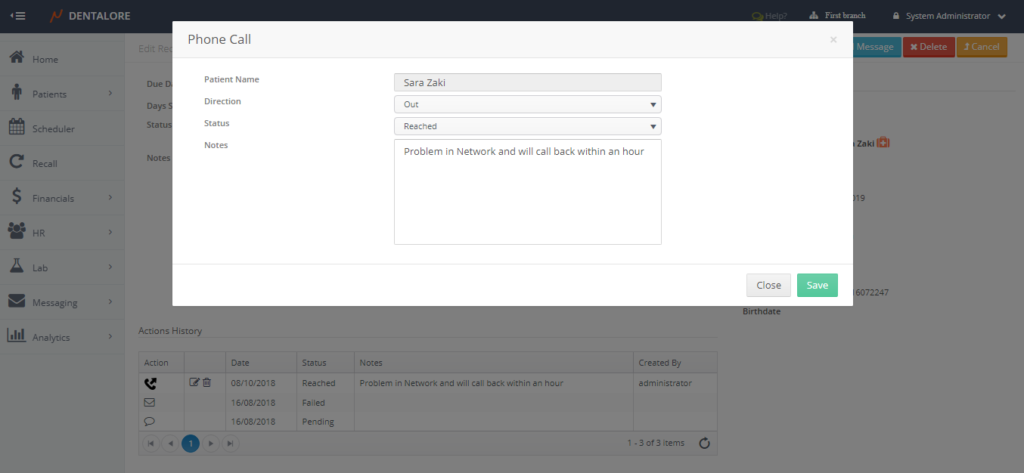
– “Edit” icon: Once pressed, Popup “” opens to update the required fields.
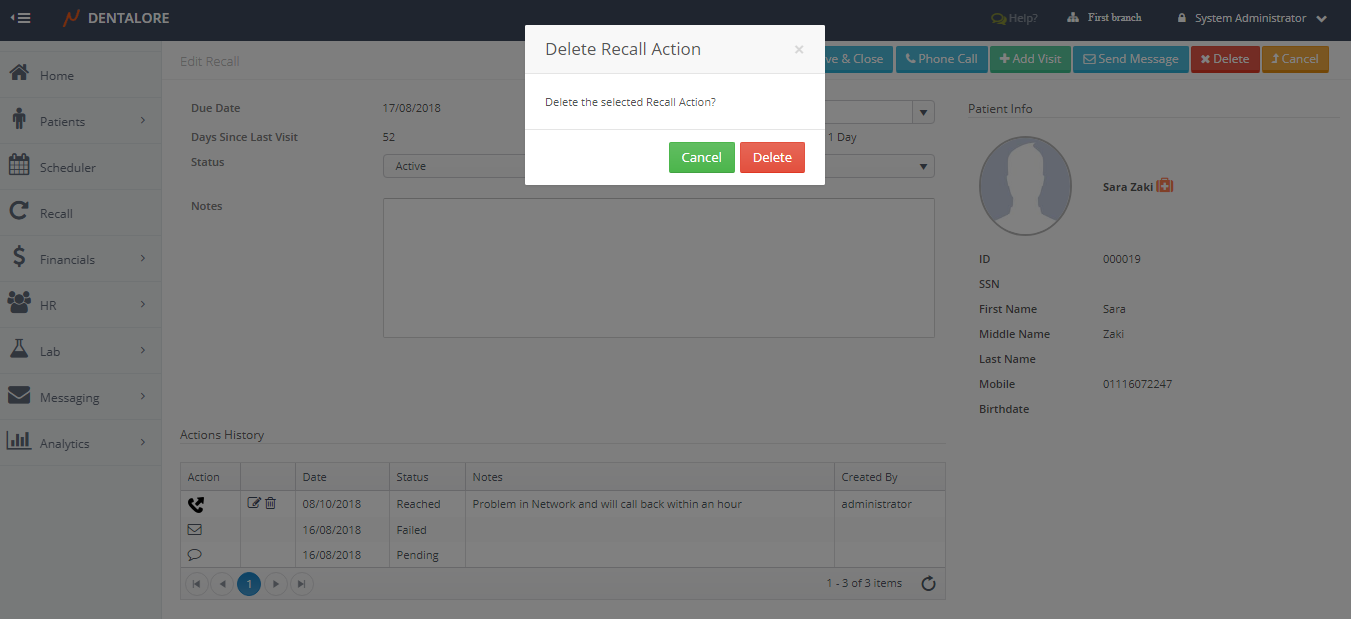
– “Delete” icon: Once pressed, Popup “Delete Recall Action” opens.
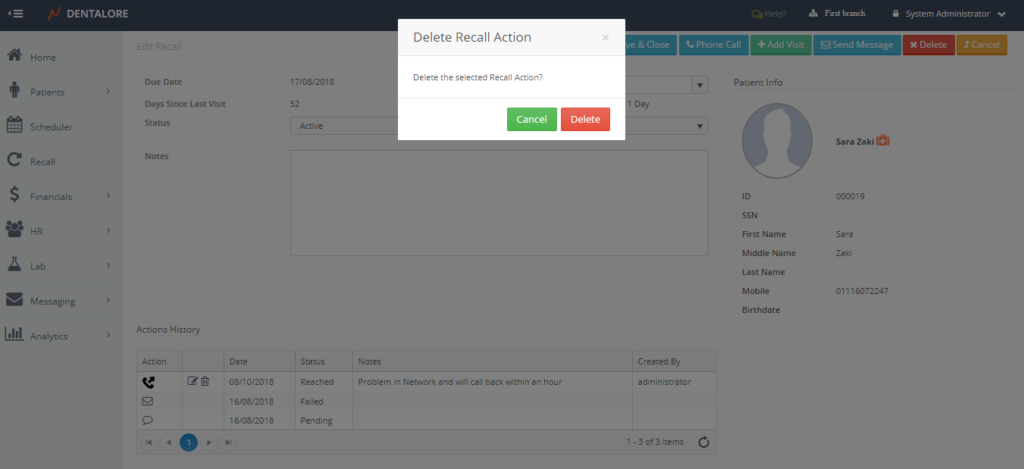
— If user press the “Delete” button then the ‘Phone Call’ action will be deleted and removed from the ‘Actions History’ table but the count of the (No. of Activities) in Recall List View in main page will not decrease by 1.
— If user press the “Cancel” button then the ‘Phone Call’ action will not be deleted and still displayed in the ‘Actions History’ table. - Note that the “Phone Call” action can’t be performed on a Closed Recall.